
A: 1. Turn on your phone's WiFi and Bluetooth; 2. Open the "Tuya Smart" or "Smart Life" APP and complete the registration; 3. Select "Add Device" and click "Add" after finding our charging station device; 4. Select the appropriate WiFi (2.4GHz) and enter the password; 5. Wait for 3-5 seconds, the device is successfully connected and enters the homepage.
Blog posts
View all-

feyree 2025 new 4.3 inch touch screen model por...
After a year of design and development as well as technical accumulation by the Feydee team; feydee's latest style products have officially launched on the market;The functional features of the...
feyree 2025 new 4.3 inch touch screen model por...
After a year of design and development as well as technical accumulation by the Feydee team; feydee's latest style products have officially launched on the market;The functional features of the...
-
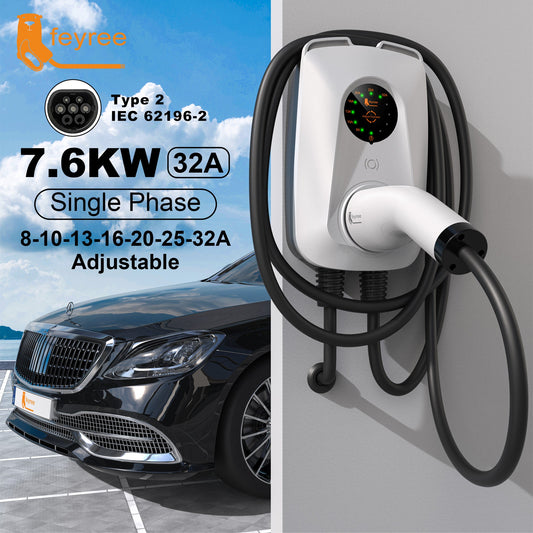
Feyree 32A single phase 7kw fast ev charger adj...
FeaturesFantastic Design: The creative ear design on the top increases the beauty of the product appearance, and also effectively helps to organize the cables, making it easier to hang the...
Feyree 32A single phase 7kw fast ev charger adj...
FeaturesFantastic Design: The creative ear design on the top increases the beauty of the product appearance, and also effectively helps to organize the cables, making it easier to hang the...
-
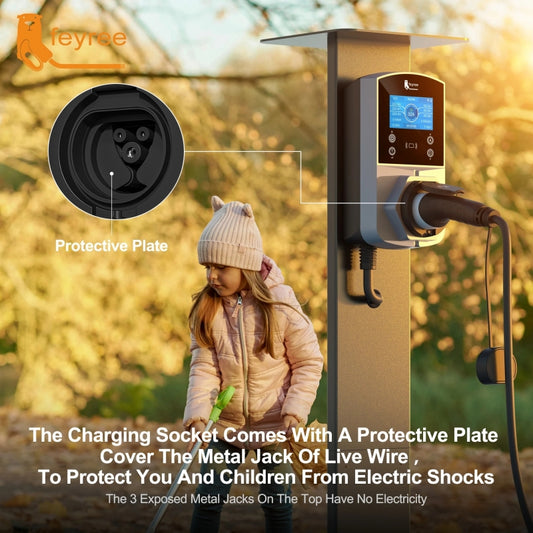
Feyree newest wall mount ev charger
EV charging station without charging cable , support to Type 2 / Type 1 /GBT /Tesla charging cable ,
Feyree newest wall mount ev charger
EV charging station without charging cable , support to Type 2 / Type 1 /GBT /Tesla charging cable ,
-
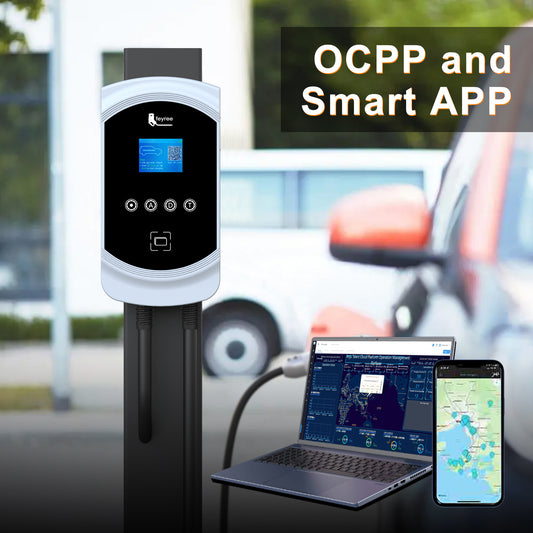
feyree commercial ocpp 1.6J ev charger station
--Electric ev car charger with type 1, type 2 , GBT , Tesla plug to charge cars.( compatiable with mostly brand of cars ) --With options of single phase 32A...
feyree commercial ocpp 1.6J ev charger station
--Electric ev car charger with type 1, type 2 , GBT , Tesla plug to charge cars.( compatiable with mostly brand of cars ) --With options of single phase 32A...

