
1. Reset WiFi: unplug the charging gun, enter the charging station menu page, find "Settings", click "Reset Wifi", and then restart the machine.
2. When connecting to the APP, please make sure that the WiFi and Bluetooth of the smartphone are both turned on.
3. Check the WiFi name of your smartphone and confirm whether your mobile phone WiFi has a 5G suffix. If so, switch 5G WiFi to 2.4G WiFi (WiFi without a 5G suffix in the name).
Blog posts
View all-

feyree 2025 new 4.3 inch touch screen model por...
After a year of design and development as well as technical accumulation by the Feydee team; feydee's latest style products have officially launched on the market;The functional features of the...
feyree 2025 new 4.3 inch touch screen model por...
After a year of design and development as well as technical accumulation by the Feydee team; feydee's latest style products have officially launched on the market;The functional features of the...
-
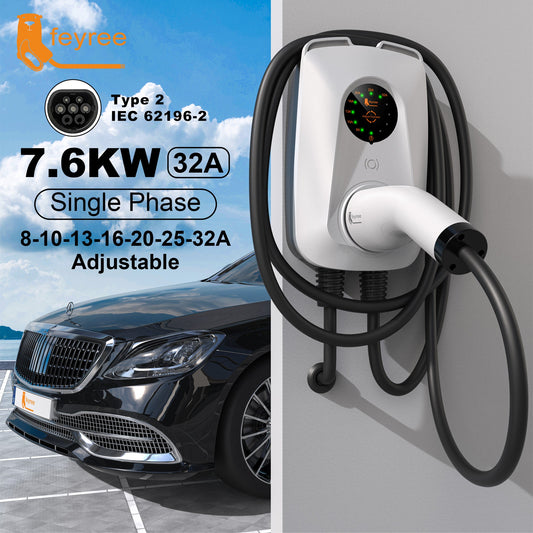
Feyree 32A single phase 7kw fast ev charger adj...
FeaturesFantastic Design: The creative ear design on the top increases the beauty of the product appearance, and also effectively helps to organize the cables, making it easier to hang the...
Feyree 32A single phase 7kw fast ev charger adj...
FeaturesFantastic Design: The creative ear design on the top increases the beauty of the product appearance, and also effectively helps to organize the cables, making it easier to hang the...
-
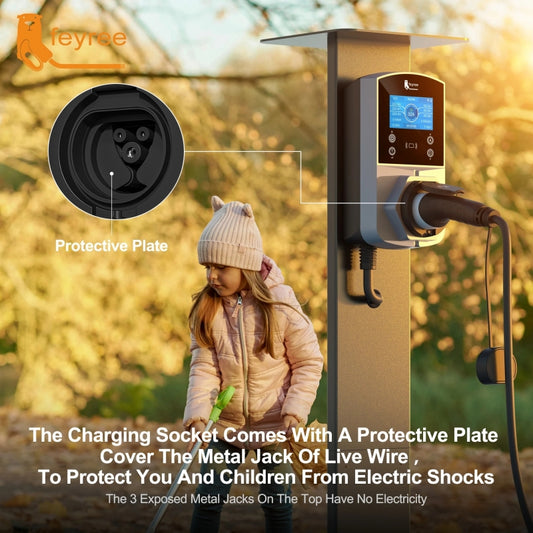
Feyree newest wall mount ev charger
EV charging station without charging cable , support to Type 2 / Type 1 /GBT /Tesla charging cable ,
Feyree newest wall mount ev charger
EV charging station without charging cable , support to Type 2 / Type 1 /GBT /Tesla charging cable ,
-
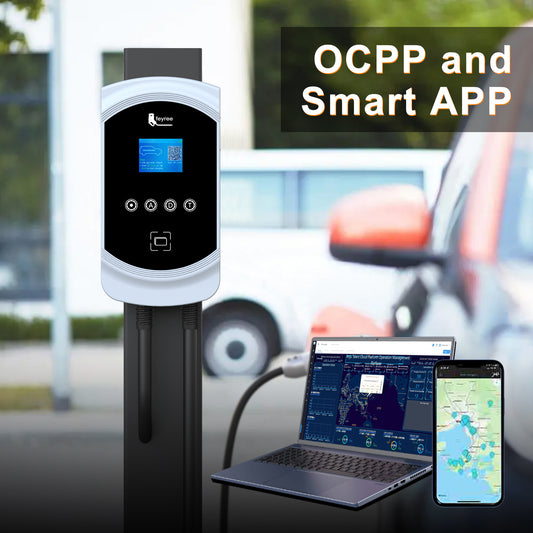
feyree commercial ocpp 1.6J ev charger station
--Electric ev car charger with type 1, type 2 , GBT , Tesla plug to charge cars.( compatiable with mostly brand of cars ) --With options of single phase 32A...
feyree commercial ocpp 1.6J ev charger station
--Electric ev car charger with type 1, type 2 , GBT , Tesla plug to charge cars.( compatiable with mostly brand of cars ) --With options of single phase 32A...

2 comments
Não consigo fazer o wallbox Feyree sem painel funcionar no 220v.
Já tentei de tudo.
inclusive não consigo entrar nas configurações dele, porque não é encontrado no bluetooth.
Como faço pra resolver isso?
Não consigo fazer o wallbox Feyree sem painel funcionar no 220v.
Já tentei de tudo.
inclusive não consigo entrar nas configurações dele, porque não é encontrado no bluetooth.
Como faço pra resolver isso?