
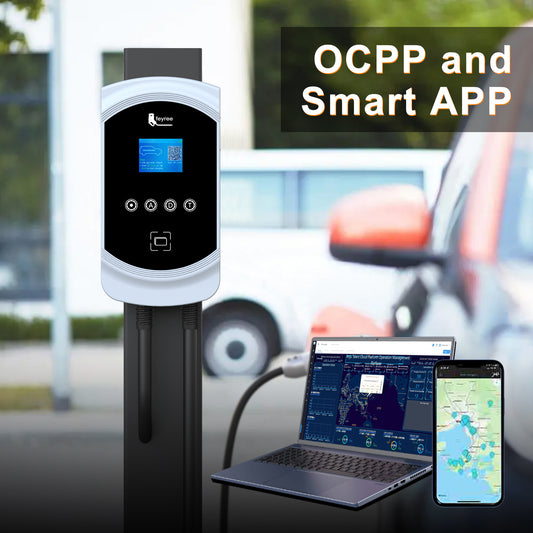
How to connect to the APP?
Share
Turn on your phone's WiFi and Bluetooth; 2. Open the "Tuya Smart" or "Smart Life" APP and complete the registration; 3. Select "Add Device" and click "Add" after finding our charging station device; 4. Select the appropriate WiFi (2.4GHz) and enter the password; 5. Wait for 3-5 seconds, the device is successfully connected and enters the homepage.

1 comment
We install Feyree EV Charger type 2 wall 7.6kw mod. F-OBZ1-AC-1P32 but not understand how to fix app for mobile phone. Pls sent us the procedure for set up and VDO How to work.